
HOW WE REACHED 1M SUBS IN 12 MONTHS
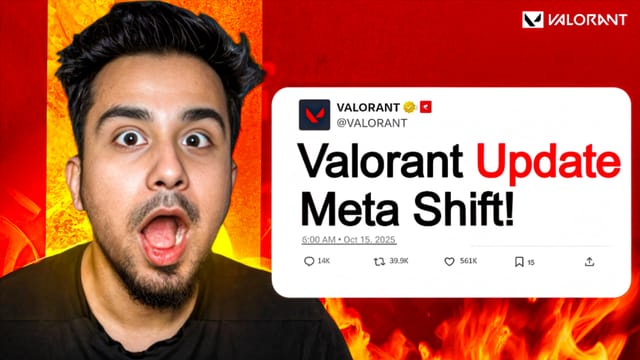
HOW WE REACHED 1M SUBS IN 12 MONTHS (B)


I Built a Secret Gaming Room in My House!


The Future of AI: What 2026 Looks Like


5 Healthy Breakfast Recipes for Busy Mornings

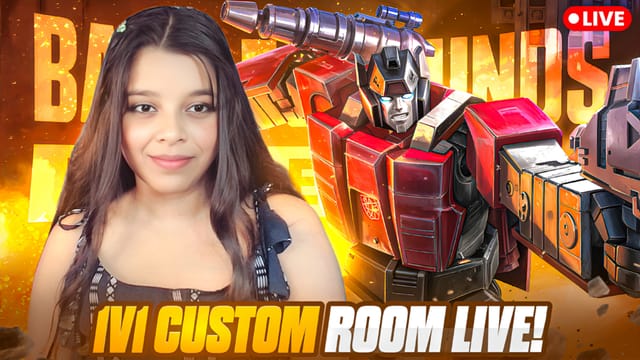
Extreme $1,000,000 Hide and Seek!


Why Most Startups Fail in First 12 Months
Master the Art of the Perfect Click
Stop guessing how your thumbnails will perform. Use professional-grade simulation tools to see exactly what your viewers see on Desktop and Mobile.
A/B Testing
Compare two variations side-by-side to determine which design captures more attention.
CTR Analytics
Simulated heatmaps and contrast scores help identify the focal points of your design.
Simulated Feeds
Preview your thumbnail in Home, Search, and Sidebar layouts with Dark and Light mode support.
Expert Thumbnail Strategies
The Squint Test
Squint your eyes while looking at the preview. If you can still tell what the video is about, your composition is strong.
Subject "Pop"
Ensure your subject has a high contrast with the background. Using a subtle outer glow or drop shadow can help.
Mobile First
Over 70% of YouTube views are on mobile. Large text and bold subjects are non-negotiable for smartphone users.
Dominating the
Search Results
In a sea of content, you have 0.3 seconds to win a click. Our Search Previewer tool helps you analyze how your thumbnail stacks up against the top ranking videos for your keywords.
- Check competing colors
- Optimize for small screens
- Test readability against competitors
Thumbnail Optimization Knowledge Base
QWhat is a YouTube thumbnail previewer?
A YouTube thumbnail previewer is a specialized mockup tool that allows video creators to visualize how their thumbnail designs will look in the real YouTube interface (Home, Search, and Sidebar) before they upload.
QHow do I increase my YouTube Click-Through Rate (CTR)?
To increase CTR, focus on high-contrast colors, expressive faces, and large, readable text. Use our mockup tool's blur and grayscale tests to ensure your main subject stands out.
QWhy use a thumbnail mockup tool instead of just uploading?
Uploading directly doesn't allow you to compare variations side-by-side or see how your design competes with other trending videos in a simulated live feed.
QIs this YouTube thumbnail tester free?
Yes, the Shinel Studios Thumbnail Previewer is 100% free for all creators to use to improve their content strategy.
More Free Creator Tools
YouTube Title Generator
High-CTR title ideas from proven click formulas.
YouTube Tag Generator
Focused SEO tags — primary, long-tail, related.
Best Time to Post
Research-backed posting windows by platform & niche.
Thumbnail Previewer
Test your CTR with A/B simulations.
YouTube Transcript
Extract full transcripts from any video instantly.
YouTube SEO Tool
Generate high-ranking titles & tags.
ROI Calculator
Estimate potential revenue growth.